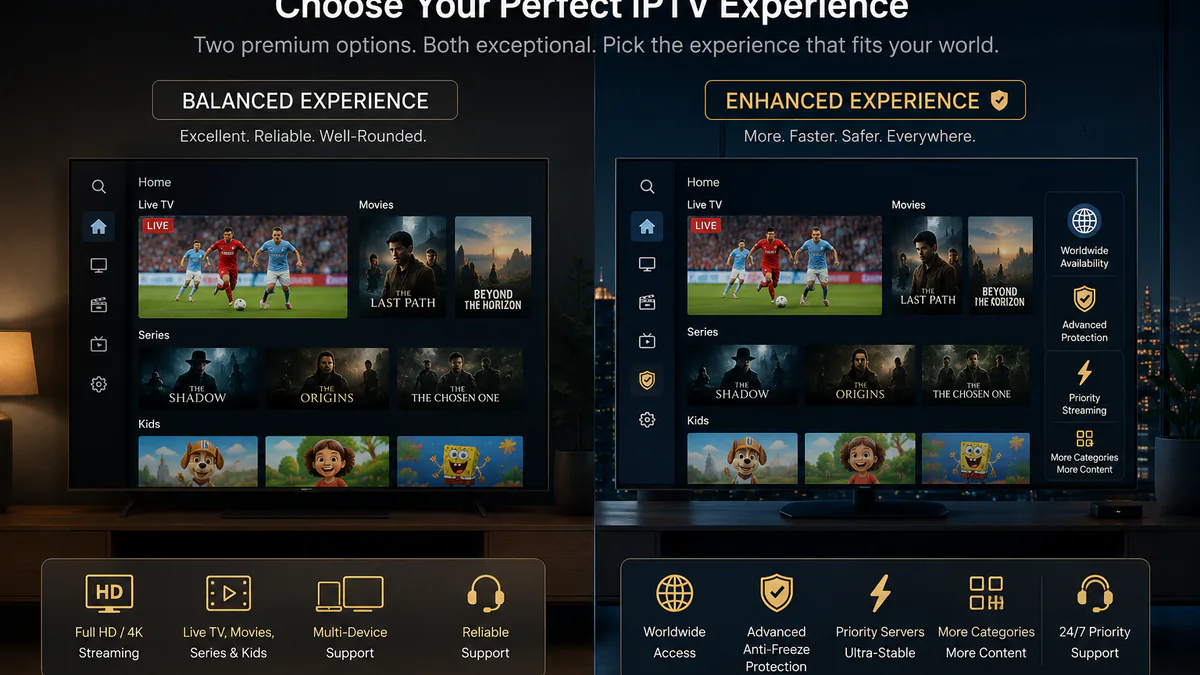
 NL
NLInstall IPTV on a Smart TV in the Netherlands
Set up IPTV on the Smart TV you use in the Netherlands, choose the right app and test Dutch channels before you settle on a subscription.
Start with the TV and internet you actually use
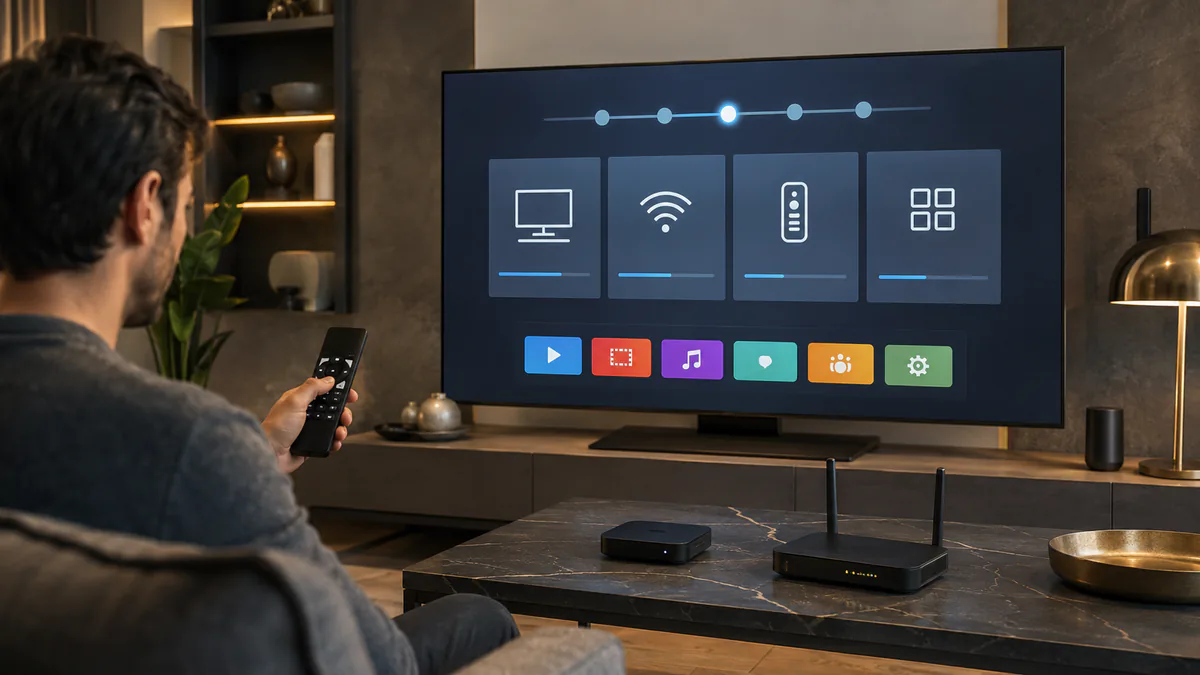
A useful IPTV setup guide for the Netherlands starts with your real living-room screen, not a perfect lab connection. Test on the Samsung, LG, Android TV, Apple TV or TV box that will be used every day.
For Dutch homes, the connection quality can vary a lot between Wi-Fi, mesh Wi-Fi and ethernet. If the TV is far from the router, run the first test near the router or use a cable so you can separate app problems from home-network problems.
Choose an app that fits Dutch Smart TVs
Samsung and LG users usually start with apps such as IPTV Smarters, Smart IPTV, NET IPTV or SS IPTV, depending on what is available in the app store. Android TV and Google TV users often prefer TiviMate or IPTV Smarters because channel navigation is faster.
The best app is the one that loads Dutch channel groups clearly, handles the EPG well and is simple enough for the people in the house who will use it most.
- Samsung and LG: check the built-in app store first
- Android TV: compare TiviMate and IPTV Smarters
- Apple TV: use an app that supports Xtream Codes or M3U
- Older TVs: consider an Android box for better performance
Use Xtream Codes when possible
Many IPTV players support an Xtream Codes login as an alternative to handling a playlist URL manually. You enter the server URL, username and password, after which a compatible app can load the available live TV, VOD and EPG categories.
Copy the details exactly as received. Extra spaces, missing ports and wrong capitalization are common reasons an IPTV login fails.
Check Dutch channels before judging the package
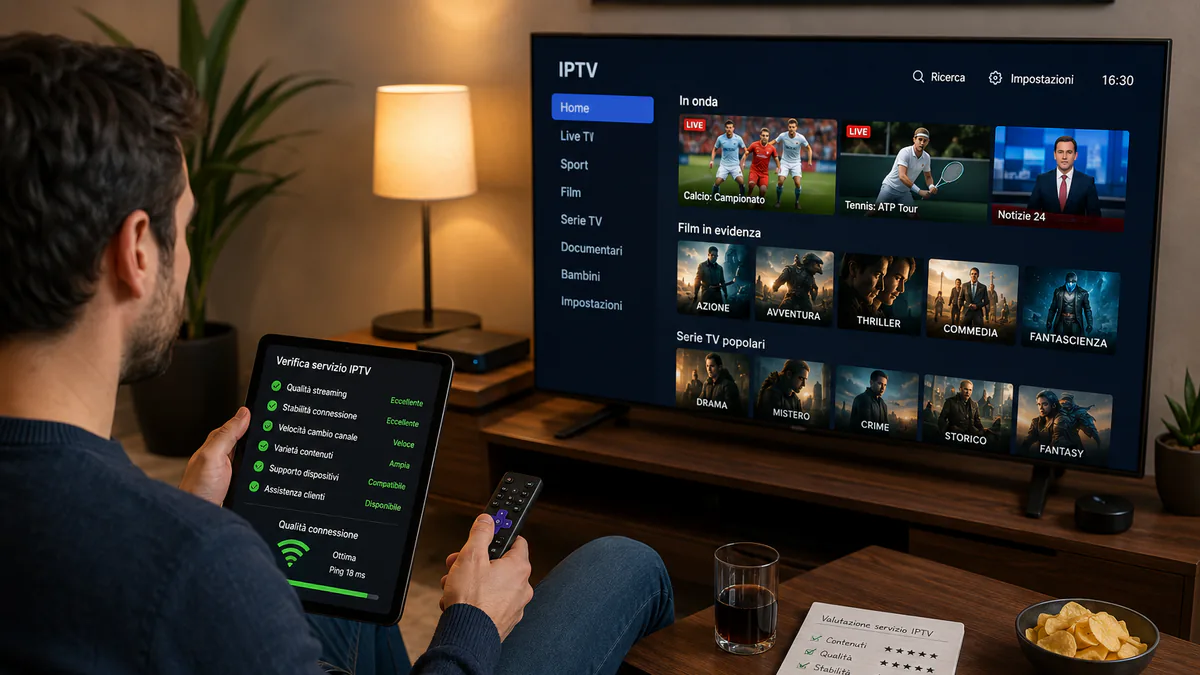
After the app loads, test the channel groups that matter locally: Dutch live TV, sports channels, regional channels, kids content and the international categories used by your household.
Do not only open one channel for a few seconds. Change channels, let a sports stream run for at least ten minutes and try a VOD title so you can judge loading time, audio sync and stability.
When setup fails, isolate the cause
If the app opens but streams do not load, test another device on the same connection. If another device works, the issue is likely the TV app or cache. If both fail, check the login details, router, DNS settings or contact support.
A short setup note with your TV brand, app name, ISP and connection type helps support solve the problem faster.
Original speed and app guidance
IPTV gives access to thousands of live channels, films and series. At least 20 Mbps is recommended for a stable HD stream. For FHD or 4K, allow 30 to 50 Mbps, especially when several devices are connected at the same time.
The original device guidance remains available: Samsung Tizen with IPTV Smarters Pro, Smart IPTV or NET IPTV; LG webOS with SS IPTV or NET IPTV; Android TV and Google TV with TiviMate, IPTV Smarters or Perfect Player; and Apple TV with IPTV Smarters Pro or GSE Smart IPTV.
- At least 20 Mbps internet speed
- 50+ Mbps for 4K
- Xtream Codes or an M3U playlist
Related: Compare Premium and VIP for viewing in the Netherlands · Use the Netherlands IPTV trial checklist
Frequently asked questions
Which IPTV app works best on a Smart TV in the Netherlands?
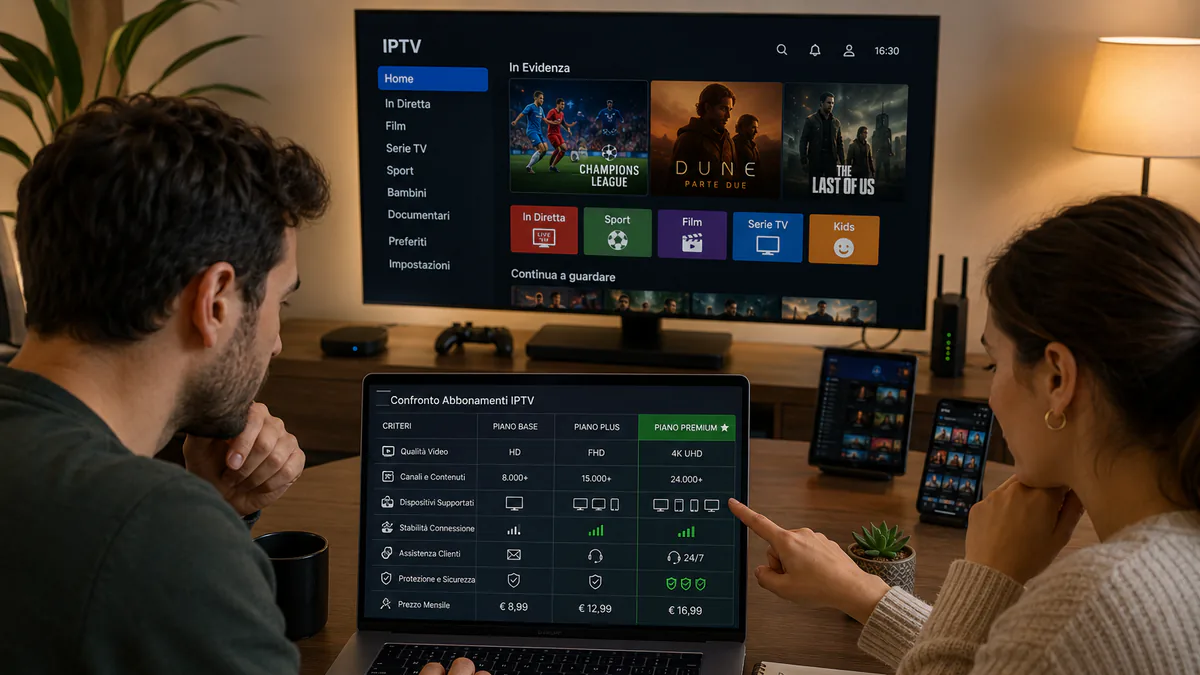
Choose by operating system and current app-store availability. Samsung Tizen and LG webOS have different stores, while Android TV offers a wider choice such as TiviMate and IPTV Smarters. Test the remote control, EPG and channel changes before paying for an app licence.
How fast should my internet be for IPTV?
As a practical margin, allow about 10 Mbps for HD, 20 to 25 Mbps for Full HD and at least 35 Mbps for 4K per active stream. A stable connection at the television matters more than the maximum speed in your internet contract.
Does IPTV setup differ between KPN, Ziggo and Odido?
The app and login steps are normally the same. What may differ is the modem, Wi-Fi layout or mesh system in your home. Test ethernet at the main television before changing advanced router or DNS settings.
Can I install the same IPTV login on more than one device?
An app can often be configured on several devices, but that does not automatically allow simultaneous viewing. Check how many concurrent connections your subscription includes before streaming on two screens at once.