 NL
NLNetherlands IPTV Trial Checklist
A trial is useful only if you test the right things: Dutch channels, the app on your real device, live sports, VOD and your home connection.
Test on the device you will keep using
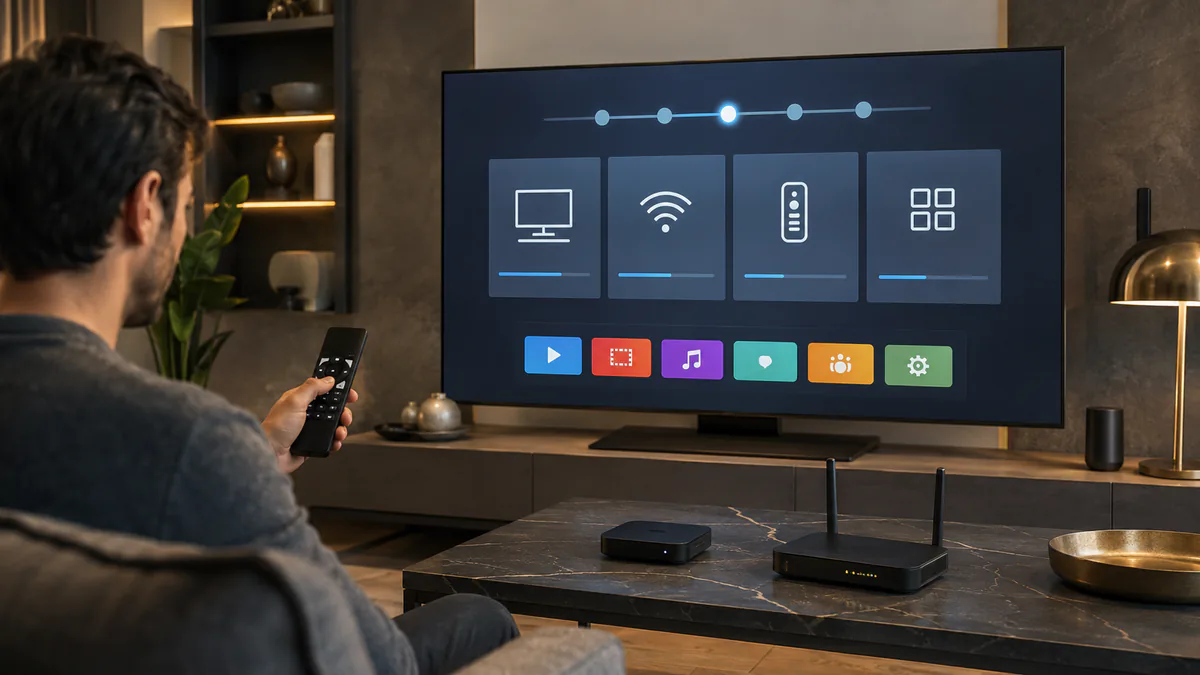
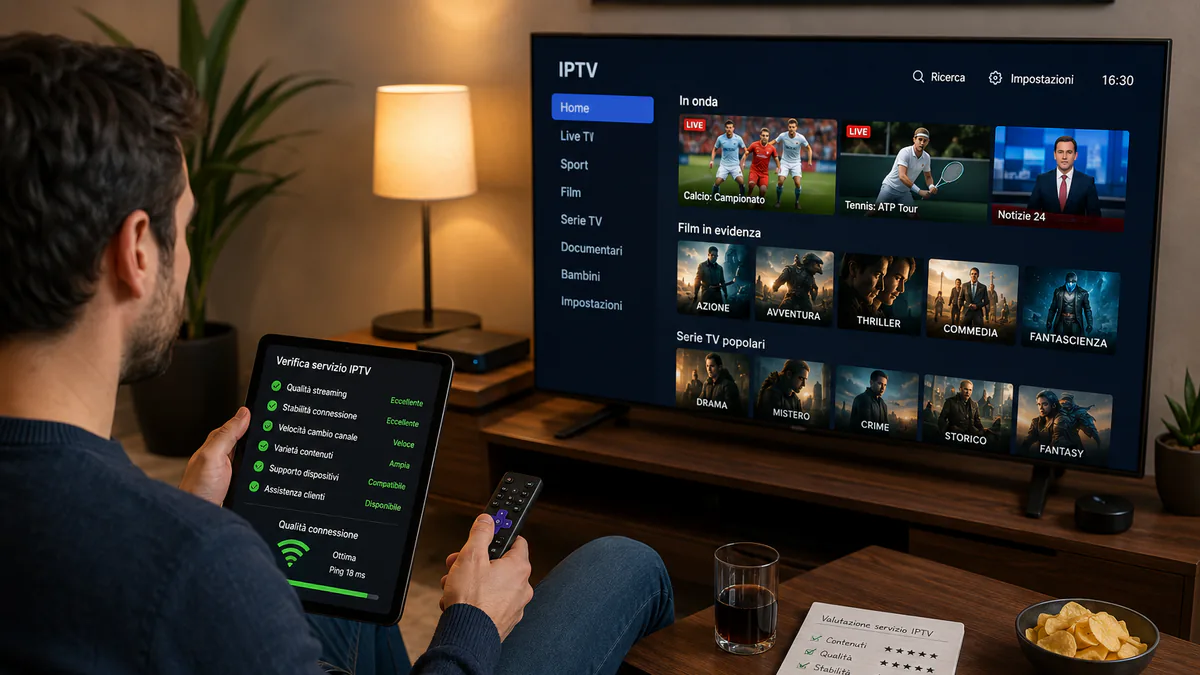
Do not judge a Netherlands IPTV trial from a phone if the subscription will be used on a Smart TV. Test the trial on the main screen, with the same app, remote control and connection you plan to use after ordering.
This reveals real issues such as weak Wi-Fi near the TV, slow app navigation or a channel list that is hard to browse from the sofa.
Open Dutch categories first
Start with the Dutch channels and categories that matter most to you. Check national channels, regional options, news, kids content, entertainment and the sport channels you expect to use.
If you are an expat or multilingual household, also test the international categories that are part of your daily routine. A trial should prove that your actual channel mix is covered.
Test a busy sports moment if possible
A short trial during a quiet afternoon tells only part of the story. When possible, test during a football match, Formula 1 session or another busy live event.
Watch for channel start time, picture stability, audio sync and whether the stream remains smooth after several minutes rather than only during the first few seconds.
- Channel start time is noted and compared across several sources
- No repeated buffering after ten minutes
- Audio stays in sync with the picture
- Changing channels does not freeze the app
Compare Wi-Fi and ethernet
Many buffering complaints in Dutch homes are caused by Wi-Fi placement rather than the IPTV package. Test the same channel on Wi-Fi and ethernet if your TV or box allows it.
If ethernet is much better, the package may be fine and the real fix is a cable, mesh node placement or a different streaming device.
Write down the result before choosing
At the end of the trial, note the app used, device model, ISP, connection type and the channels you checked. This makes the final subscription decision clearer and helps support if something needs tuning.
Choose a longer duration only when the channels, device and connection have all passed the same test you will depend on after purchase.
Original trial performance checks and prices
Watch each channel start time. A good stream starts within three seconds. Also test whether channels load quickly after switching and whether picture quality stays consistent for ten or fifteen minutes without interruption.
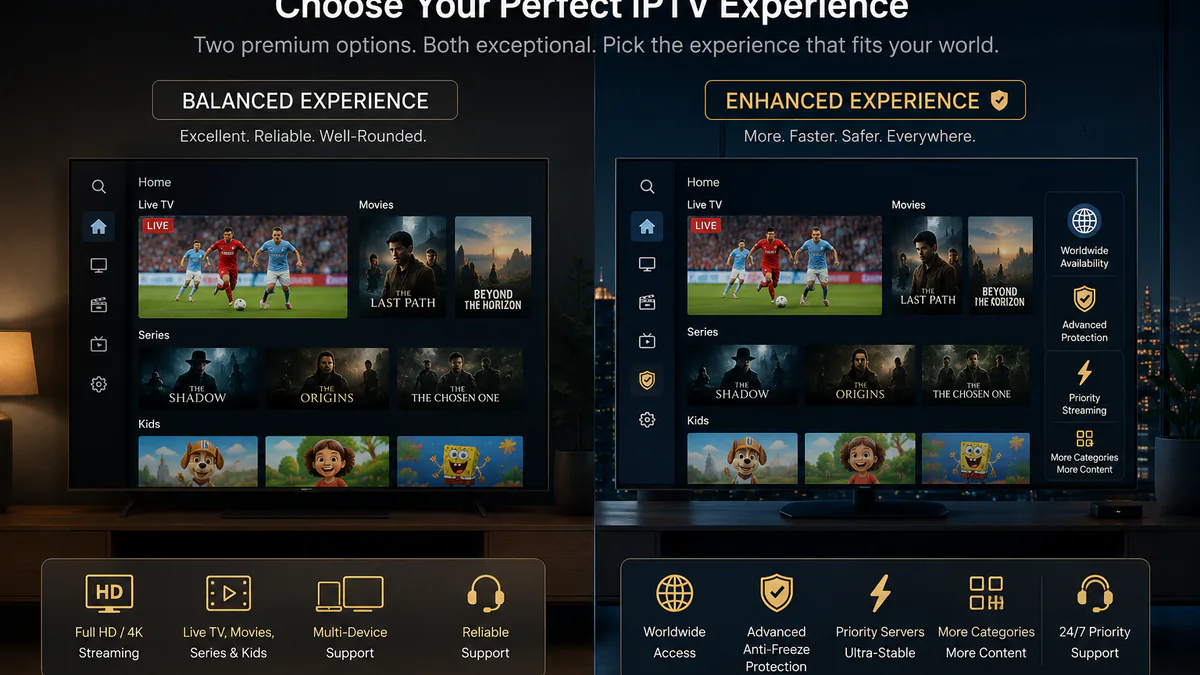
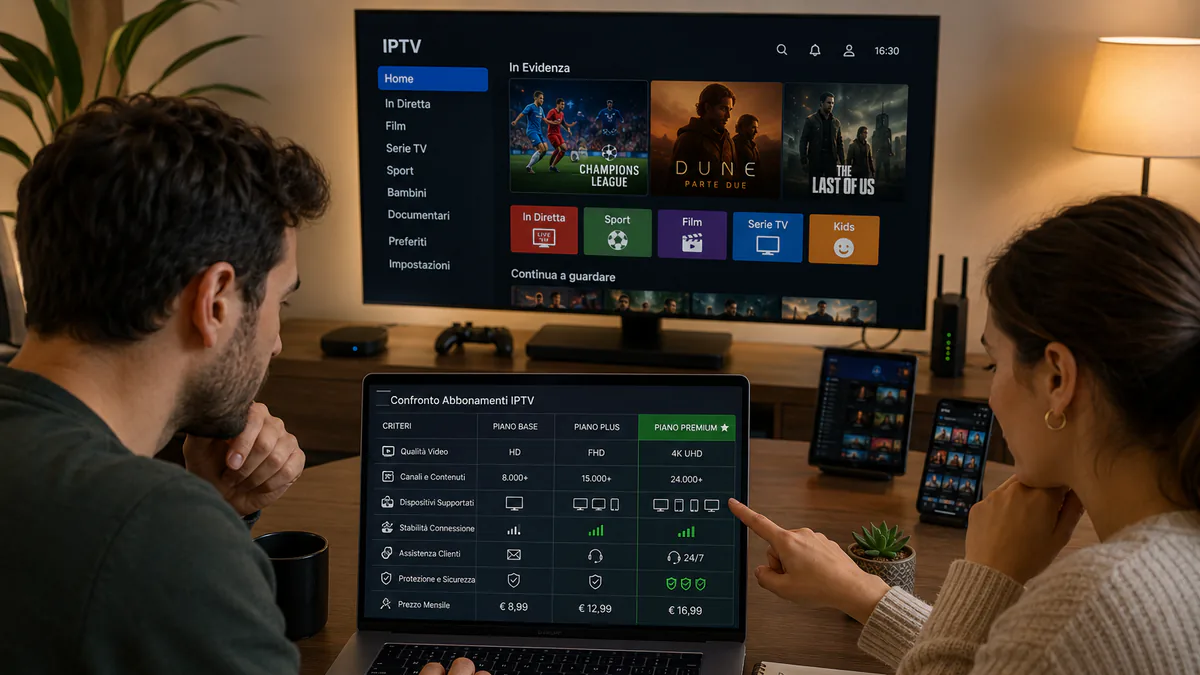
A free two-hour Premium trial gives a first impression. A 24-hour VIP trial for €2.99 lets you experience the higher server priority and broader channel offering before choosing a full subscription.
Related: Install IPTV on your Smart TV · Choose a Netherlands IPTV subscription
Frequently asked questions
How long do I need to test IPTV properly?
A few focused hours can be useful if you prepare a checklist, but a test that includes both a quiet period and a busy sports moment gives a more realistic result. The available trial length depends on the selected trial product.
What should I check first during a Netherlands IPTV trial?
Begin on the device you will actually use. Check your essential Dutch channels, one live sports stream, the EPG, subtitles, a VOD title and channel-changing speed before browsing less important categories.
Does buffering during a trial mean the service is faulty?
Not necessarily. Compare Wi-Fi with ethernet, try several channels and test another device or app. Those checks help distinguish a home-network or device issue from a channel-source problem.